Advanced Mode
Reset to Default
🐧 LINUX SETUP INSTRUCTIONS
  1. Copy the contents of our recommended udev rules file:

  2. Create the rule file in the correct destination:
    You can use an editor of choice instead of nano, but you must create the file as root (with sudo).

    sudo nano /etc/udev/rules.d/55-moddo-hid.rules
  3. Add recommended rules:
    Paste the copied text into the editor (use Right-Click or Ctrl+Shift+V to paste in terminal).

  4. Save and Exit:
    For nano editor:

    • Press Ctrl+O, then Enter to save (Write Out).
    • Press Ctrl+X to exit nano.
  5. Reload udev rules:
    Tell the system to recognize the new file.

    sudo udevadm control --reload-rules
    sudo udevadm trigger
  6. Apply changes:
    Unplug and re-plug the USB device to apply the new permissions.

moddoHUB | HID WebApp

SENSOR SETTINGS

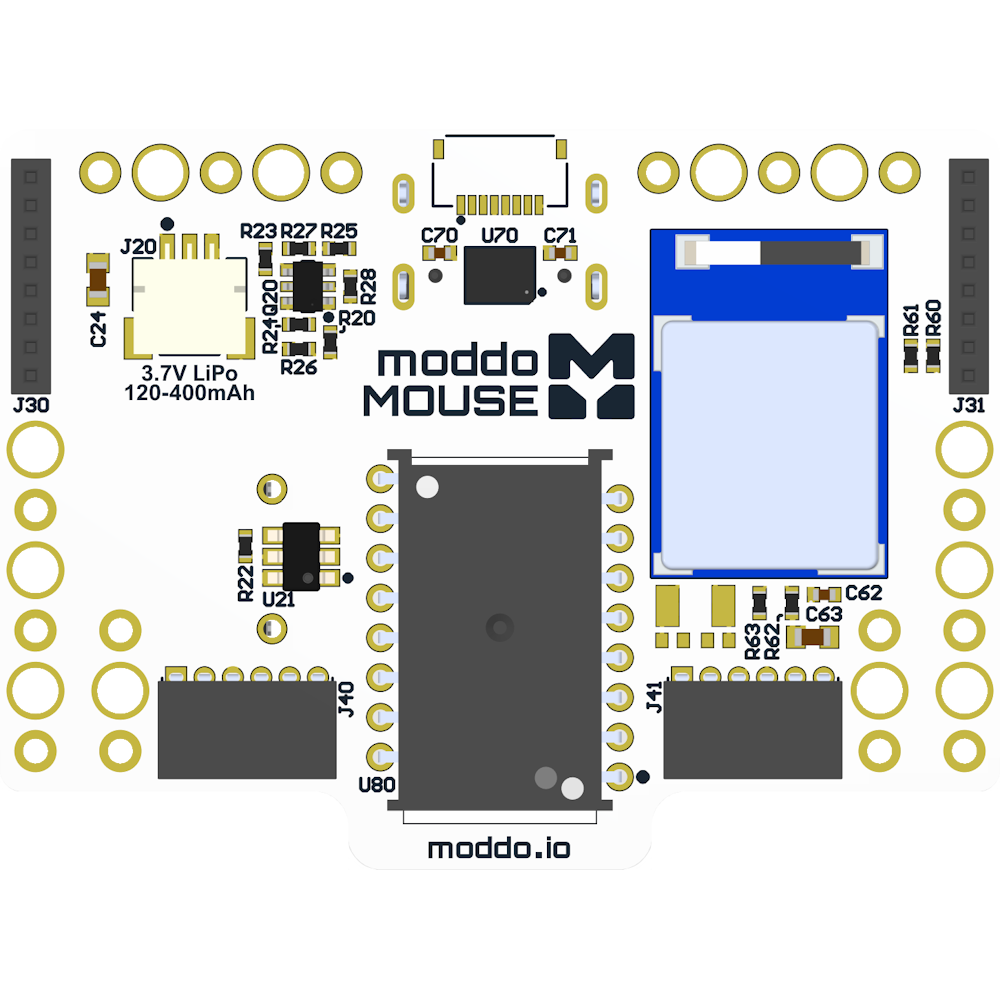
moddoMOUSE PCB
AXIS ORIENTATION
Invert X
Invert Y
Swap XY

CLICK ASSIGNMENTS

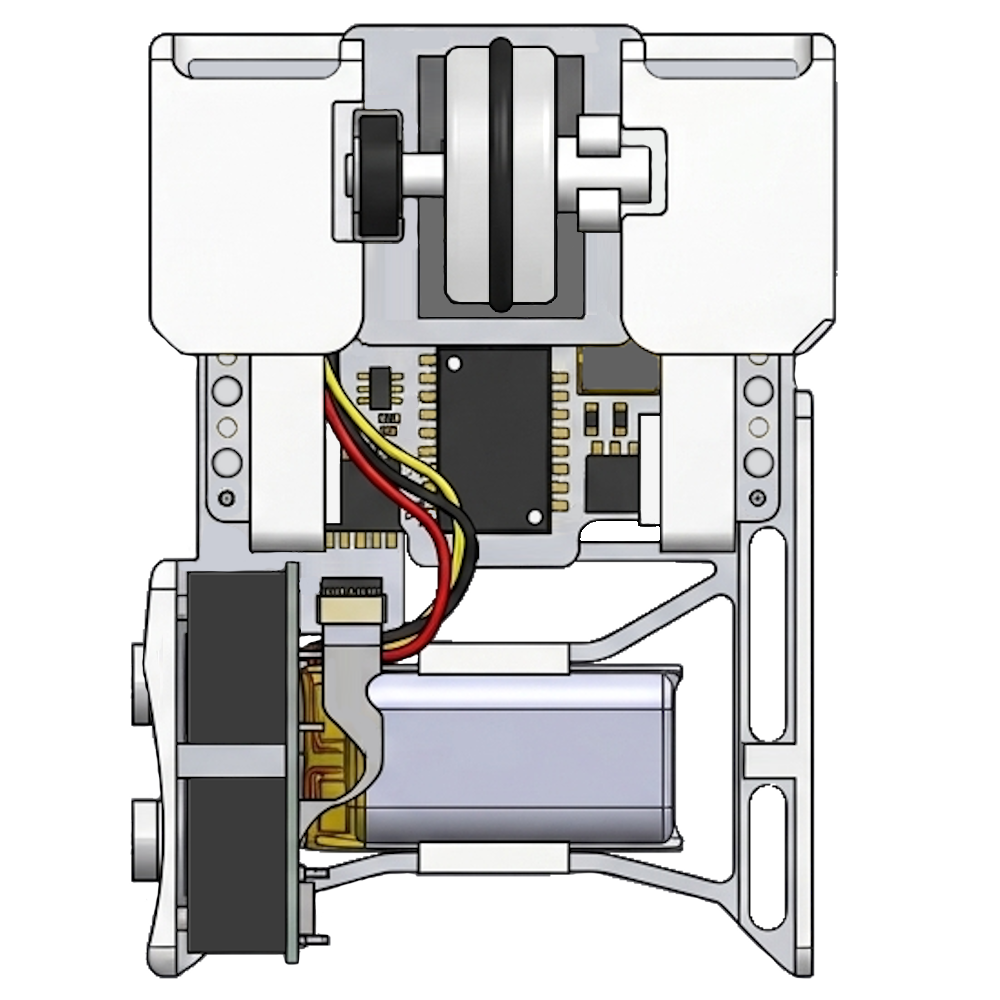
moddoMOUSE Top View

DEVICE STATUS

Dongle Firmware
Mouse Firmware
Check for and install the latest firmware.

FRONT BOARD

Hide Unused

BACK BOARD

Hide Unused
moddoMOUSE PCB
-30° +30°
CURRENT
RSSI dBm
Packet Error Rate %
WIRELESS
CHANNEL
Change RF Channel
RECENT MINUTE
Avg RSSI dBm
Min RSSI dBm
Packet Error Rate %
Total Packets
Missed Packets
PREVIOUS MINUTE
Avg RSSI dBm
Min RSSI dBm
Packet Error Rate %
Total Packets
Missed Packets
LAST HOUR
Avg RSSI dBm
Min RSSI dBm
Packet Error Rate %
Total Packets
Missed Packets
ENABLE CHANNEL SCAN Enabling scan may increase packet error rate